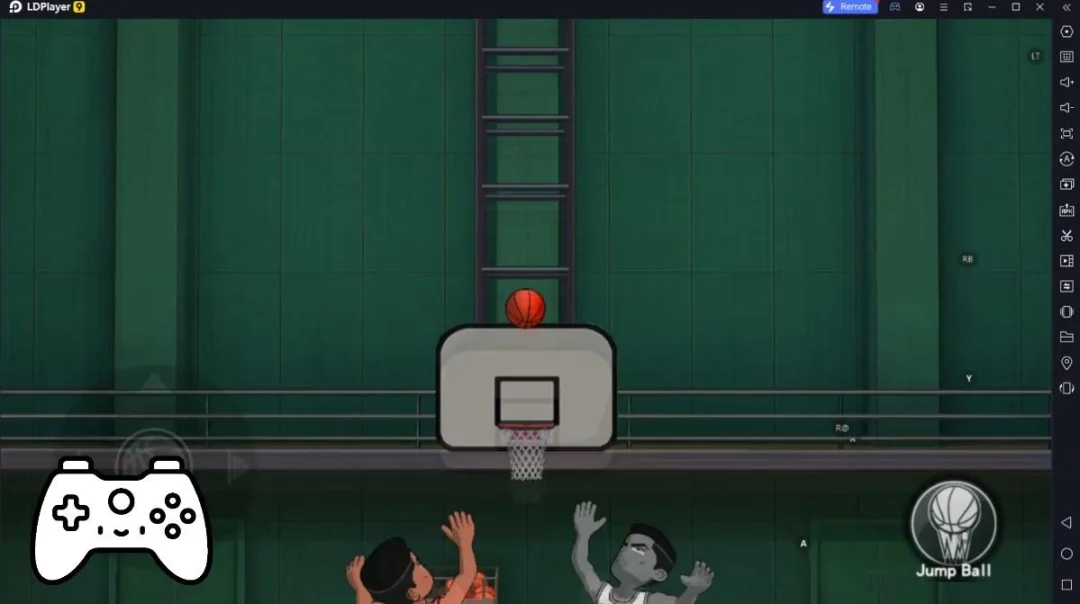
SAKURA School Simulator(은)는 GARUSOFT K.K.(이)가 개발한 시뮬레이션 게임입니다. LD플레이어는 Windows PC에서 SAKURA School Simulator(을)를 플레이하는 최고의 플랫폼으로, 강한 기능을 제공하여 SAKURA School Simulator에서 몰입형 경험을 선사해 드립니다.
컴퓨터에서 SAKURA School Simulator(을)를 플레이할 때, 자신의 게임 패드로 게임을 조작하고 싶다면, LD플레이어에서 자동으로 활성화되는 게임패드 감지 기능이 여러분이 몇 번의 간단한 클릭으로 컨트롤을 사용자 정의하고 몰입적인 레이싱 장면과 도전을 즐길 수 있도록 도와줍니다.
고 프레임 지원에, 게임 내 다양한 트랙 디자인, 풍부한 지형 및 환경 변화도 더욱 현실적이고 세밀해집니다.
동시에 동영상 녹화 기능을 사용하면 모든 멋진 하이라이트를 쉽게 기록하고 친구들과 공유하거나 동영상을 제작하는 데 편리합니다. 지금 컴퓨터에서 SAKURA School Simulator(을)를 다운로드하고 플레이를 하세요!
CAUTIONS*Recommended environment for smooth playing:
Over 3GB RAM and over Snapdragon 820
If your device has not over this specifications,
this game doesn't work smoothly.
"Becoming laggy", "Shut down", "Low memory problem" will occur soon.
If these trouble occur soon after you started the game,
restart the game or the device,
change setting "decrease students and people" are effective for smooth playing.
This game playing uses a lot of CPU and GPU,
close other applications as much as you can.
There are two ways to enjoy this game.
(1)
Make friends and lovers as you like.
Enjoy a brilliant school life!
(2)
Go on the rampage as you like.
Before do that, borrow the weapons from YAKUZA office.
You can get them easily if you don't stop "flying".
Read "HELP" in the game when you have some questions for playing.
This game is a "simulator". So, there are many ways to defeat enemies.
Of course, if you want to defeat them by yourself, you can do it easily.
On the other hand, if you want to defeat them without weapons, of course you can.
There are no descriptions of blood in the game.
The people in the game world will be only "stun" but will not die.
The concept of death does not exist in this game
so that the people who were stun will wake up next day, and they will hate you.
You can control and change 4 players in the same stage (The two are valid after watching ADS.).
You have some choices for talking (sentenses will change randam).
You defeat enemies through simulations.
You need not to fight to enemies.
Look for the ways.
There are no end in this game.
Please make the situations as you like, and find favorite way for playing.
We hope you will enjoy the game.
The contents of this game will be added when we made the new game elements.
The additional contents will be shown as a "new" context in this page.
*NOTIFICATION
Although we used the charactor models of AOI and TAICHI in this game,
AOI is a NOT-FREE asset and TAICHI is a FREE asset.
Everyone who want to make a game contents and so on can use these assets.
Many Thanks!
Scrub-chan (C)Bijuu Mike
(C)2018 Garusoft K.K.