Color Sheep(은)는 Trinket Studios(이)가 개발한 아케이드 앱입니다. 그러나 최고의 Android 에뮬레이터인 LD플레이어를 사용하면 컴퓨터에서 Color Sheep(을)를 다운로드하고 즐길 수 있습니다.
컴퓨터에서 Color Sheep(을)를 실행하면 보다 큰 화면에서 이용할 수 있으며, 마우스와 키보드로 앱을 이용하는 것이 화면을 터치하는 것보다 훨씬 빠릅니다. 동시에 기기의 배터리 문제에 대해 걱정할 필요가 없습니다.
다중 인스턴스 및 멀티 컨트롤 기능을 통해 컴퓨터에서 여러 애플리케이션과 계정을 동시에 이용할 수도 있습니다.
또한 파일 전송 기능을 통해 이미지, 비디오 및 파일을 공유하는 것도 매우 쉬워집니다.
컴퓨터에서 Color Sheep(을)를 다운로드하고 실행하여 큰 화면과 고화질의 PC 환경에서 즐기세요!
Kotaku: “I’ve not had this much fun mixing colors since — I’ve never had this much fun mixing colors.”New York Times: “...your once-fumbling fingertips will be flying across the spectrum. You’ll barely notice you’ve learned something without having to crack open a single crusted-over container of paint.”
Entertainment Weekly: “What’s a color-changing lamb to do when it’s being attacked by multihued wolves? Incinerate them with lasers beams, obviously, in this whimsical shooting game.”
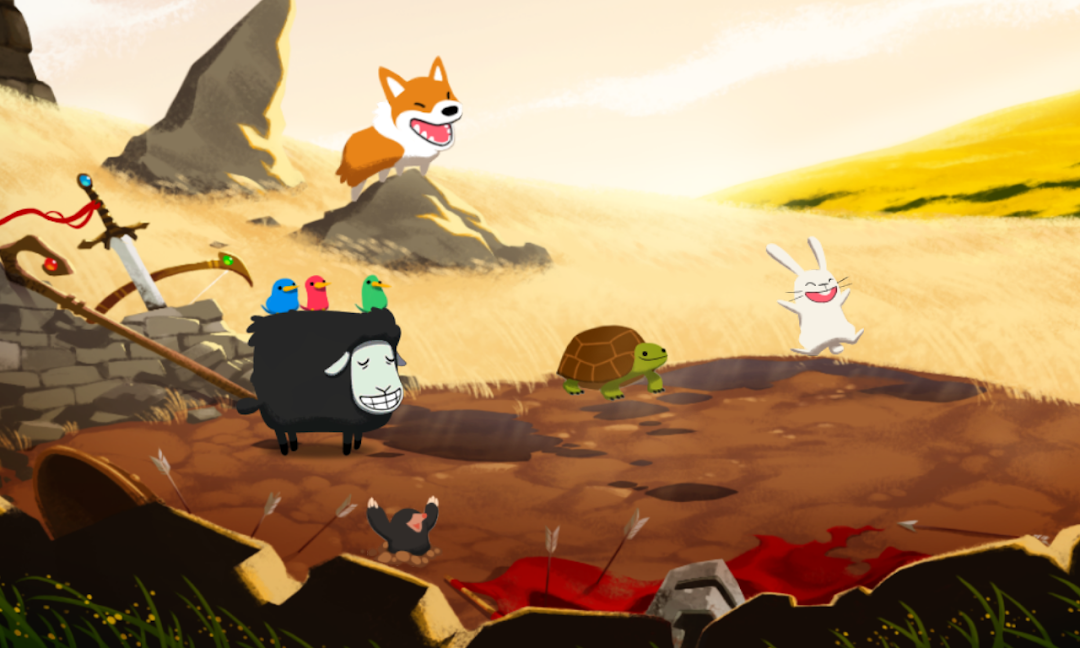
Hordes of vicious wolves have emerged from the mouth of Wolfcano to steal life and color from the world. Now the Knight of Light, Sir Woolson, must ready his color-changing fleece and magical powers as the last defense against the darkness!
Color Sheep is a fast-paced arcade game in which players change Woolson’s color to match oncoming wolves by mixing different intensities of red, green, and blue light. An intuitive swipe-based interface makes forming combos a breeze. When Woolson is charged, tap him to release an incinerating laser blast! Magical items dropped by enemies summon fantastical nature spells to protect Woolson and smite the evil lupine invaders. With adaptive difficulty, over twenty color combinations to master, and Facebook integrated leaderboards, Color Sheep is easy to learn but hard to put down!
* Mix red, green, and blue to master the power of light!
* Discover Woolson's arsenal of spectacular spells!
* Climb the leaderboards and best your friends and family!
* Works great and looks amazing on your phone and tablet!
Note: Color Sheep requires players to perceive a wide range of colors and is not recommended for those with color blindness.
Thanks for playing! Please email us with any feedback at team@trinketstudios.com